Learn It. Use It. - 7-Day Action Guide
7-day plan + 4 fillable worksheets


Digital files · No physical product or device
AI Guides / Higgsfield English edition
Higgsfield AI Video Creation Guide
Turn a creative idea into a clear visual plan. Learn prompts, camera movement, storyboards and a practical production workflow for AI images and video.
Visual production guide · Workbook · Reference files
Instant access after purchase
Digital download · One-time payment
Optional PDF companions · Instant access after payment
7-day plan + 4 fillable worksheets
30 prompts + everyday examples
Made for real life
Specify the subject, references, composition, movement and message.
Use shot lists and storyboards to carry one idea across a short sequence.
Check product details, consistency and the purpose of each shot.
The complete learning kit
Visual production guide · Workbook · Reference files
Images, video, Cinema Studio, Genjutsu, voice and production workflows.
A4 and US Letter alternatives for planning and reviewing your work.
Each prompt identifies its intended tool and practical purpose.
Three guided projects, five reusable briefs, references, shot lists, scripts and logs.
Real sample pages
Explore two actual pages from this guide. Open the reader to switch between examples or enlarge a page and read the detail.
Genuine PDF pages from the included guide.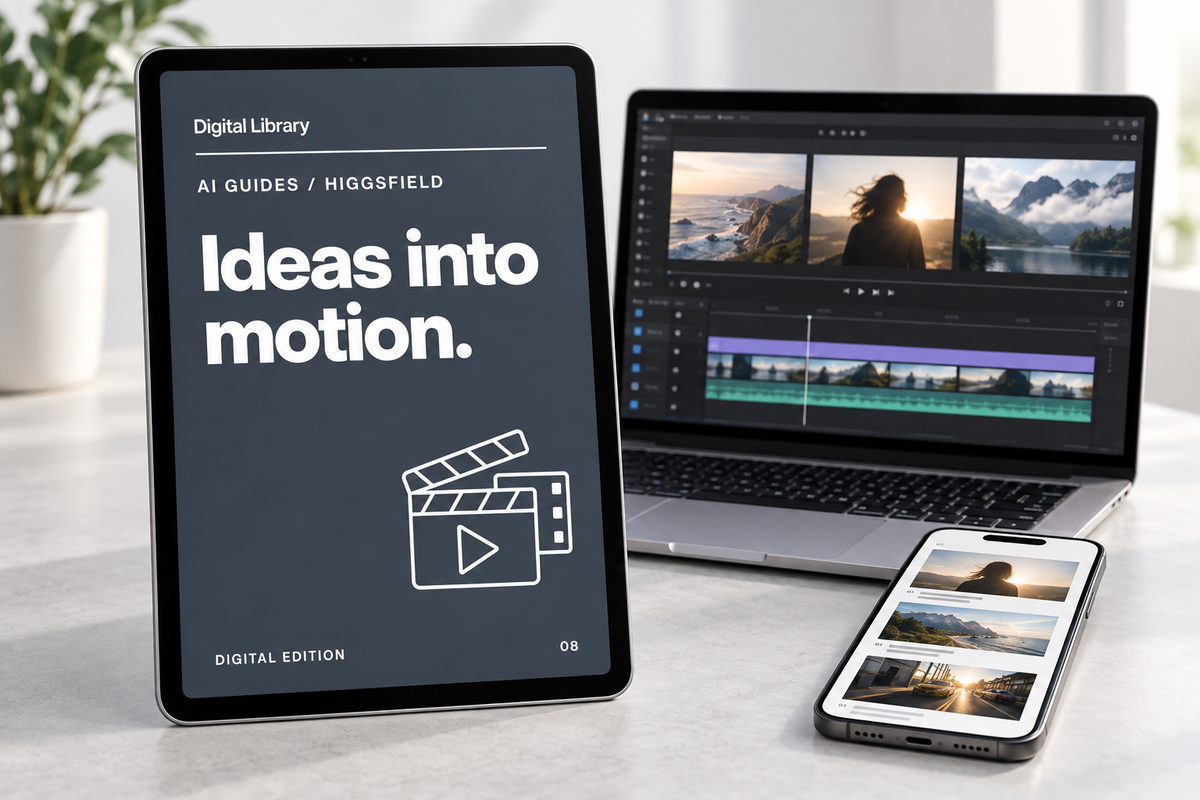
Read it. Use it. Return to it.
The three guided projects connect the brief, references, shot list and review. You learn to plan a production and judge the result, rather than rely on a single long prompt.
For creators, marketers and small-store owners learning to plan and review AI visuals for their projects.
Your path through the material
Work through the guide at your own pace and return to the chapters you need.
Choose useful inputs, references and the intended result.
Describe composition and preserve the product details that matter.
Use camera movement deliberately and build a short storyboard.
Work through Cinema Studio, Genjutsu, voice and presenter workflows.
Prepare production briefs and plan connected visual tasks.
Keep a generation log and inspect the final output.
Three practical steps
Start with the product film, controlled edit or presenter explainer.
Use the brief, references and shot list before generating.
Log variants, check the visual details and prepare the export.
Questions & answers
Independent educational guide, not affiliated with Higgsfield. English edition checked 2 October 2026; tools and access can change.
No. Higgsfield access, subscriptions, generation credits and editing software are separate.
The purchase contains learning materials for planning and producing your own videos. Work through the examples, scripts, prompts and reference exercises in the guide; a finished generated film is not included.
Yes. Use the practice briefs and references to understand the workflow, then adapt the concept, prompts and production plan to your own project.
Yes. Begin with the creative brief and prompting sections, then progress to camera movement, production tools and advanced workflows.
You get instant digital access after successful payment. Open your download link and save the files to your device. No physical product will be shipped.
Email info@digitallibrarystore.com with your order number and a short description of the issue. Include your device and PDF app if a file will not open or a workbook will not save.
Your next chapter
Visual production guide · Workbook · Reference files
From the same library